Tablet Repair in Dubai
Same-Day Screen & Battery Fix
Cracked glass before an exam. A battery that won’t hold charge through a workday. Bring your Tablet to Jio Electronics. We give free diagnostic, upfront pricing, most repairs done the same day.
Prefer we come to you?
Ask on the call or via WhatsApp and we’ll arrange free pickup.
Three ways to get it fixed. Zero ways to waste your day.
Walk in to the workshop
Visit Al Rigga or Al Furjan, watch the diagnostic happen in front of you, no appointment needed for most issues.
Free pickup & delivery
We collect your iPad anywhere in Dubai, repair it, and bring it back, often the same day.
On-site repair
For select issues, a technician comes to your home or office and repairs it on the spot, no drop-off required.
Popular Tablets We Repair
We service every major tablet brand be it Samsung, Huawei, Xiaomi, and more across every generation and screen size. Not sure which model you have? Send us a photo on WhatsApp and we'll identify it before you even come in.
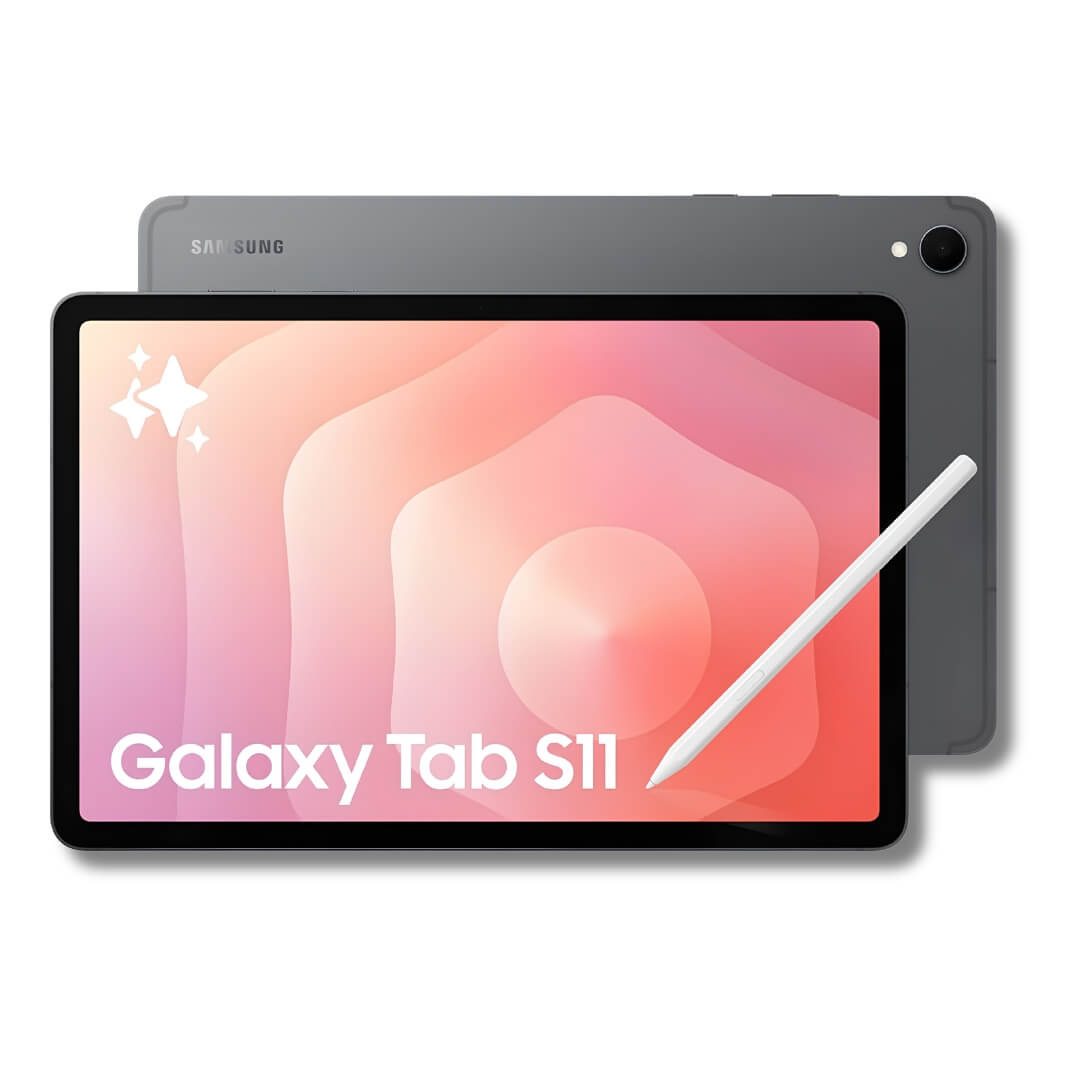
Samsung Galaxy Tab
All series & generations. S6-S11, Tab A, Tab S. 8" to 12.4"
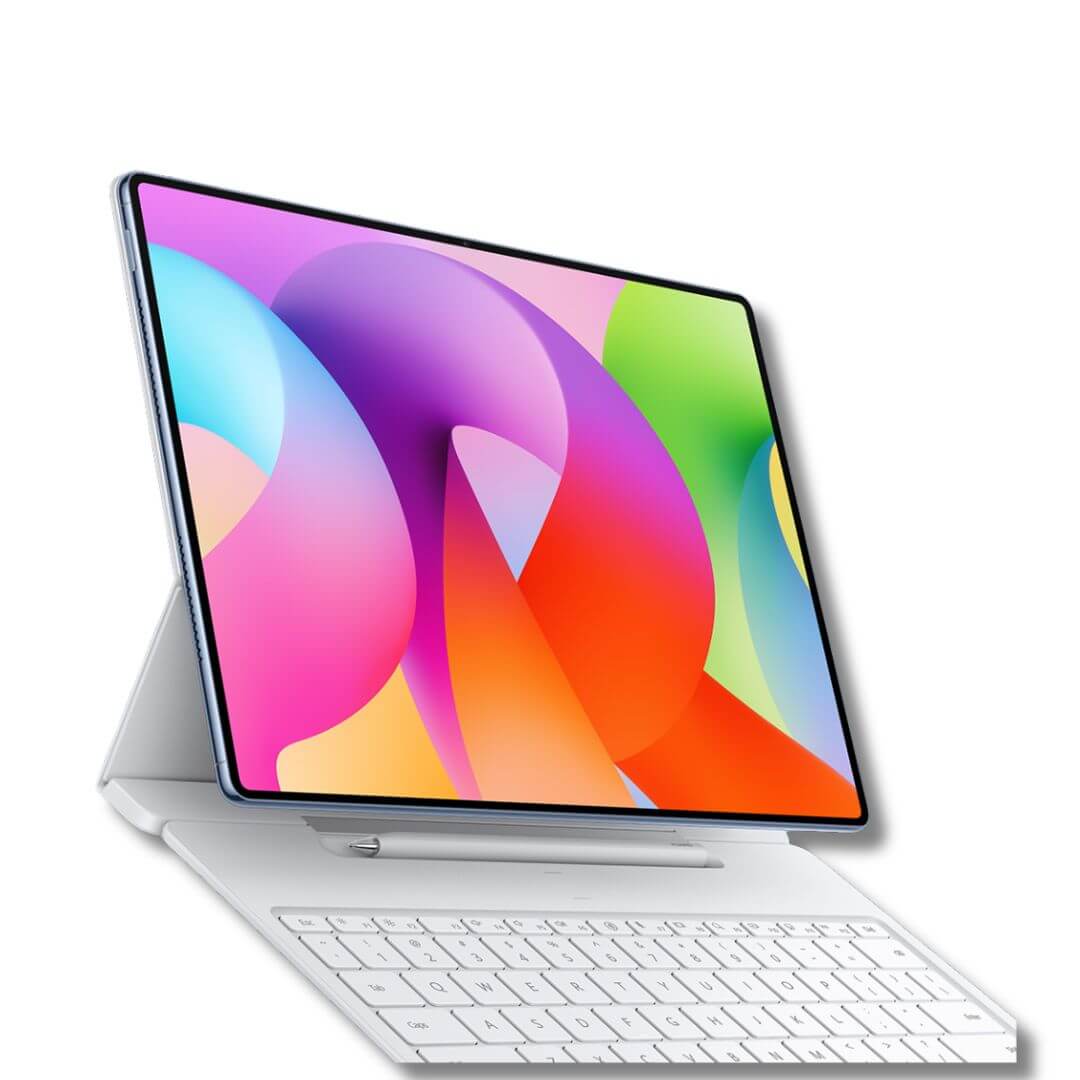
Huawei MatePad
MatePad, MatePad Pro & MatePad SE. All generations
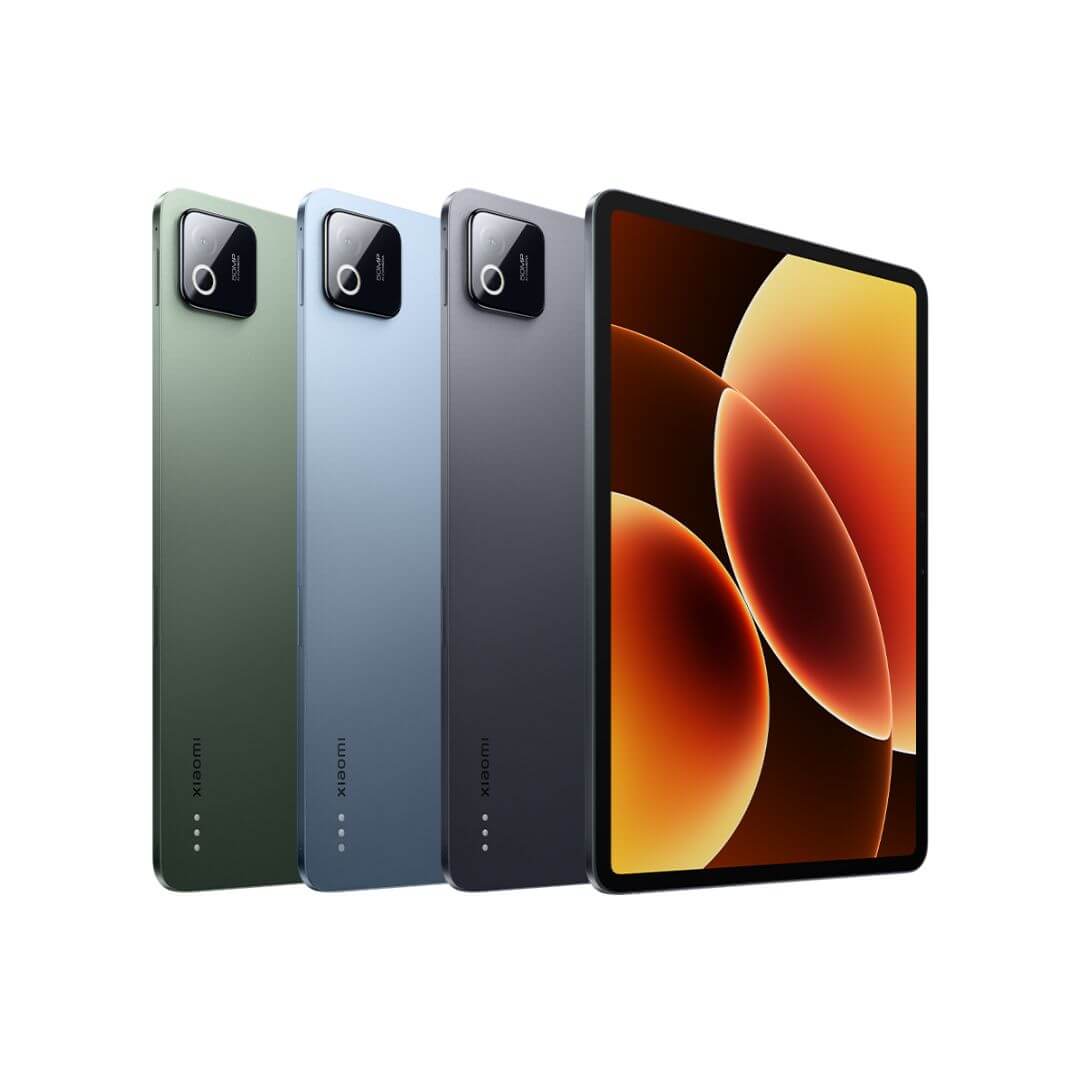
Xiaomi Pad
Xiaomi Pad, Redmi Pad & Mi Pad. All generations
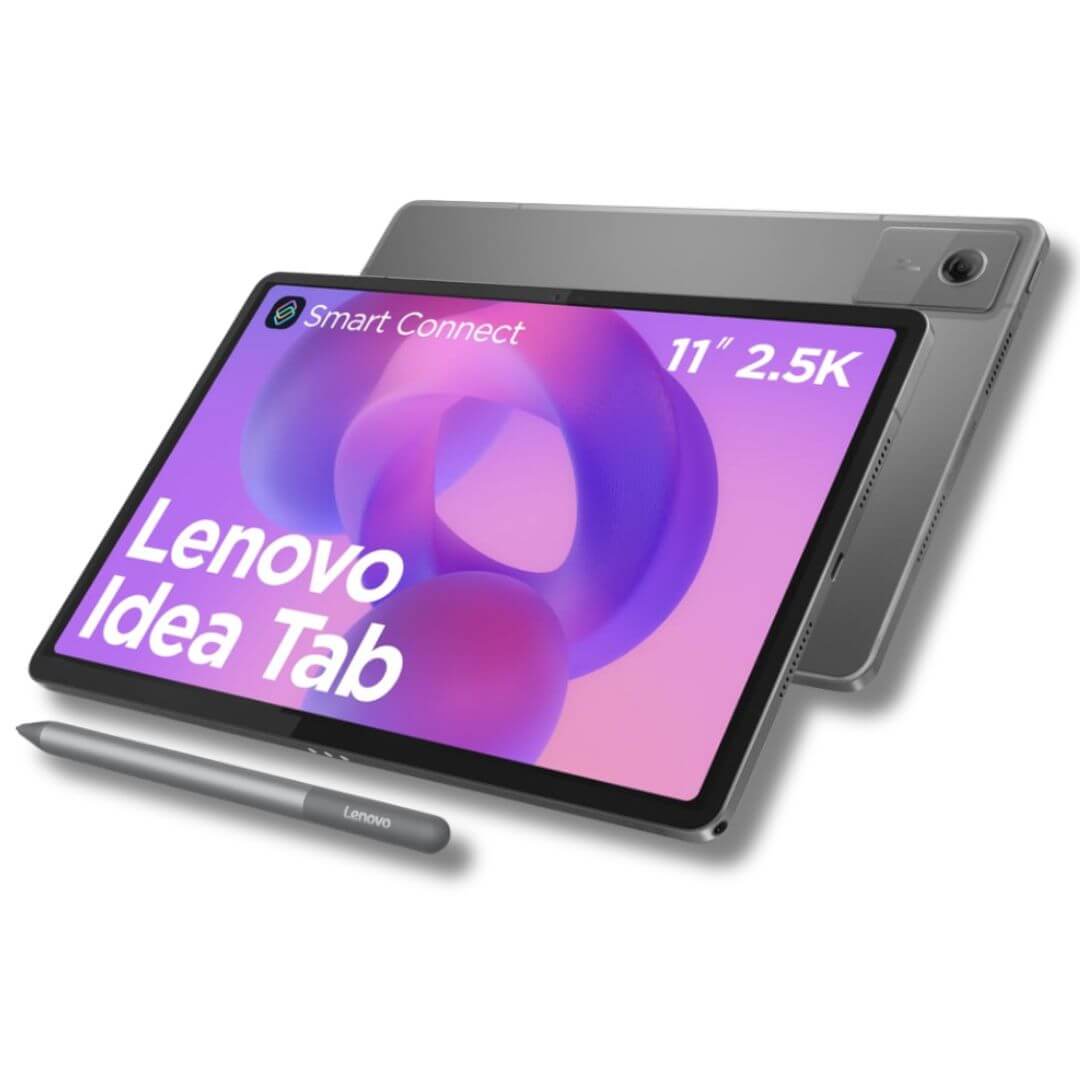
Other Tablets
Lenovo, Amazon Fire, Microsoft Surface & other brands
Brands & Devices We Repair
Samsung, Apple, or Xiaomi, as long as parts are available in the market, we work on it.
Why tablet repair is its own discipline
A 10-inch or 11-inch display panel is bonded to the frame differently than a phone's smaller glass, and it flexes under pressure in ways that make a careless replacement more likely to crack the new panel during install, not less. Add in the sheer range of operating systems we deal with on this side of the business — Android skins like Samsung's One UI, Huawei's EMUI, Xiaomi's MIUI, and Windows on Surface devices — and "tablet repair" covers a genuinely wider technical range than most shops advertise for.
At Jio Electronics, every tablet repair goes through a free diagnostic, a written quote before work starts, and a warranty on both the part and the labor. We've handled Android and Windows tablets alongside our phone and laptop work since 2010, and we're ISO 9001:2015 certified — meaning the steps we follow are documented, not improvised per device.
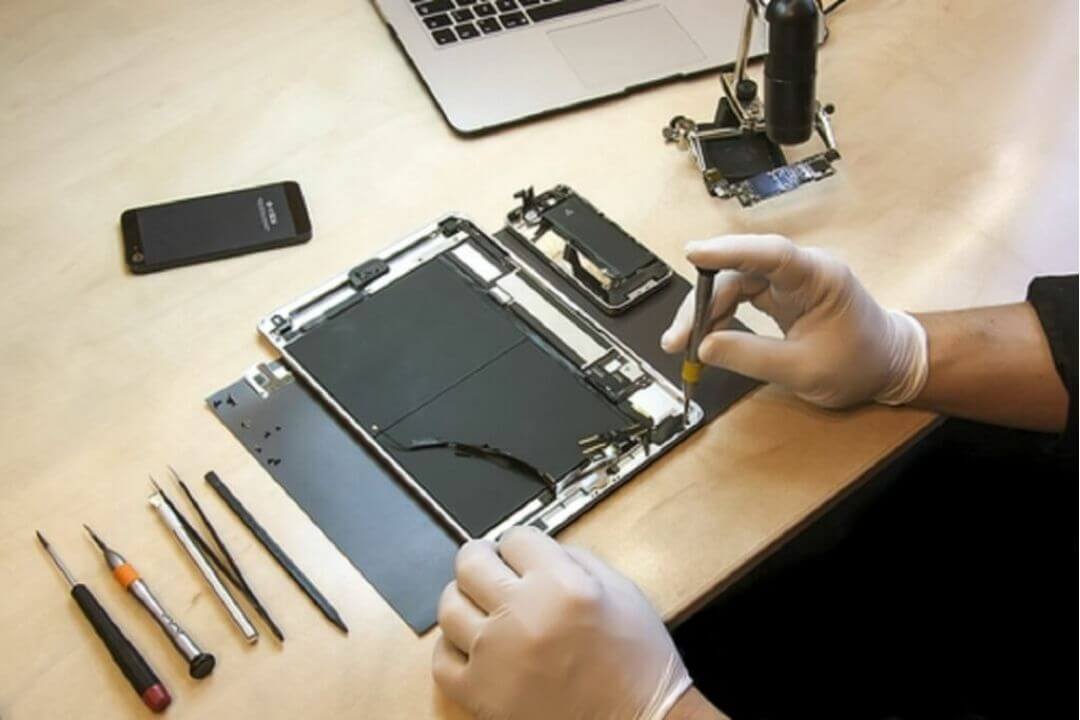
Choose Your Repair Method
Walk in to the workshop
Visit Al Rigga or Al Furjan, watch the diagnostic happen in front of you, no appointment needed for most issues.
Free pickup & delivery
We collect your tablet anywhere in Dubai, repair it, and bring it back.
On-site repair
For select issues, a technician comes to you and repairs it on the spot.
Issues We Fix
Common Problems, Explained
What's actually happening inside your tablet — and how we test for it before quoting
Cracked Screen
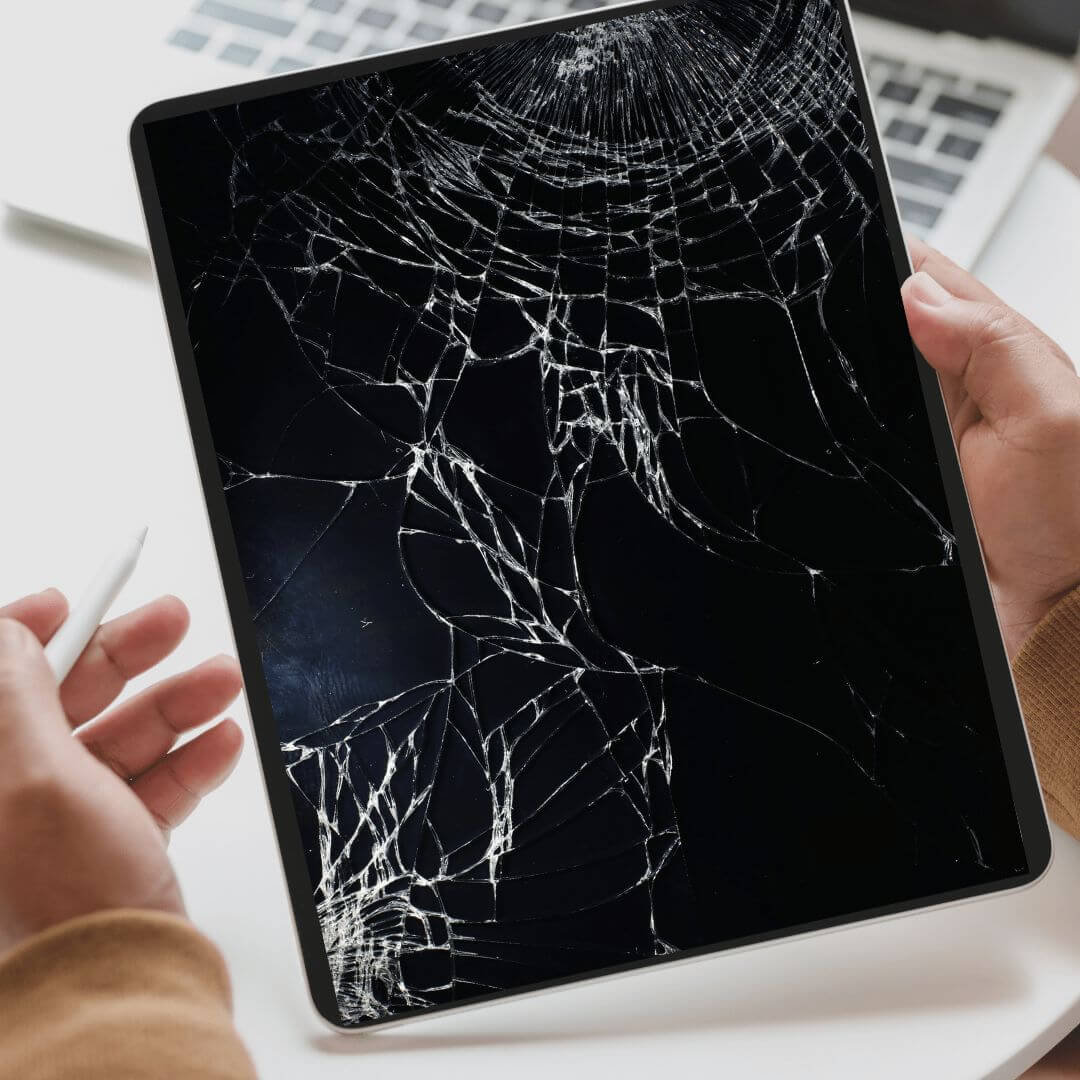
A cracked tablet screen can look purely cosmetic and still hide a damaged digitizer layer underneath — especially on larger panels where a single drop impact spreads stress across more glass than a phone screen would show. We test touch response and display uniformity across the full panel before quoting, not just the visibly cracked corner.
Battery Drain or Swelling
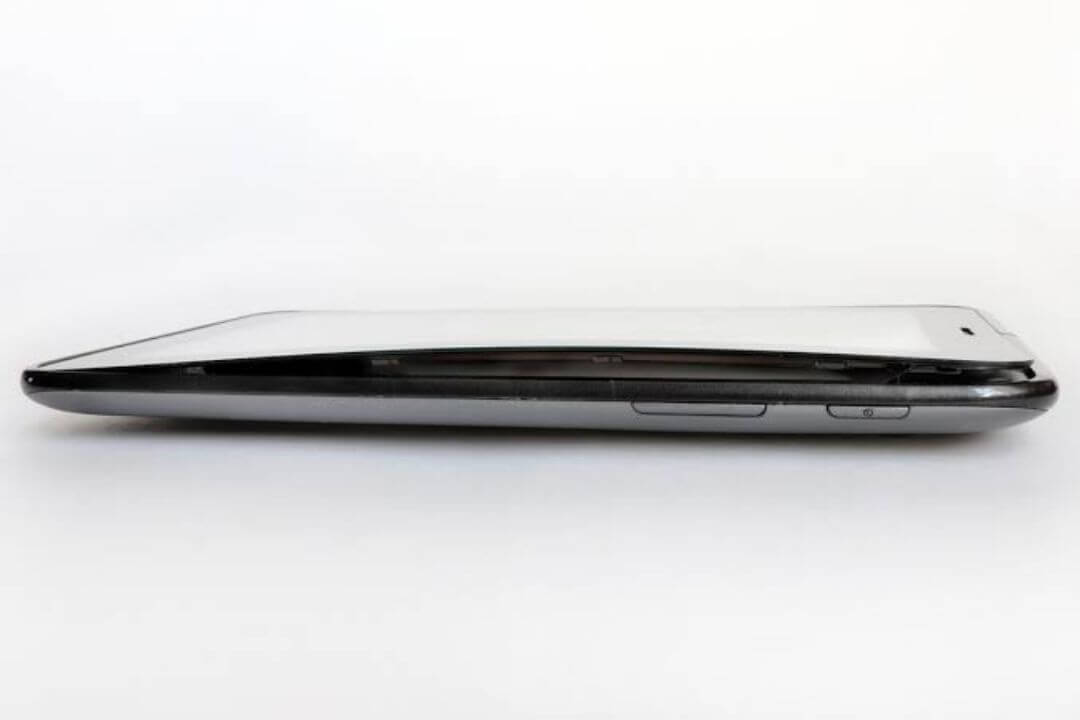
Tablets run bigger batteries than phones, which means a swelling battery pushes harder against the back panel and is often easier to spot early — a back cover that no longer sits flat is a clear warning sign. If you notice that, stop charging the device and bring it in; swollen cells need dedicated handling, not a standard toolkit.
Charging Port Not Working
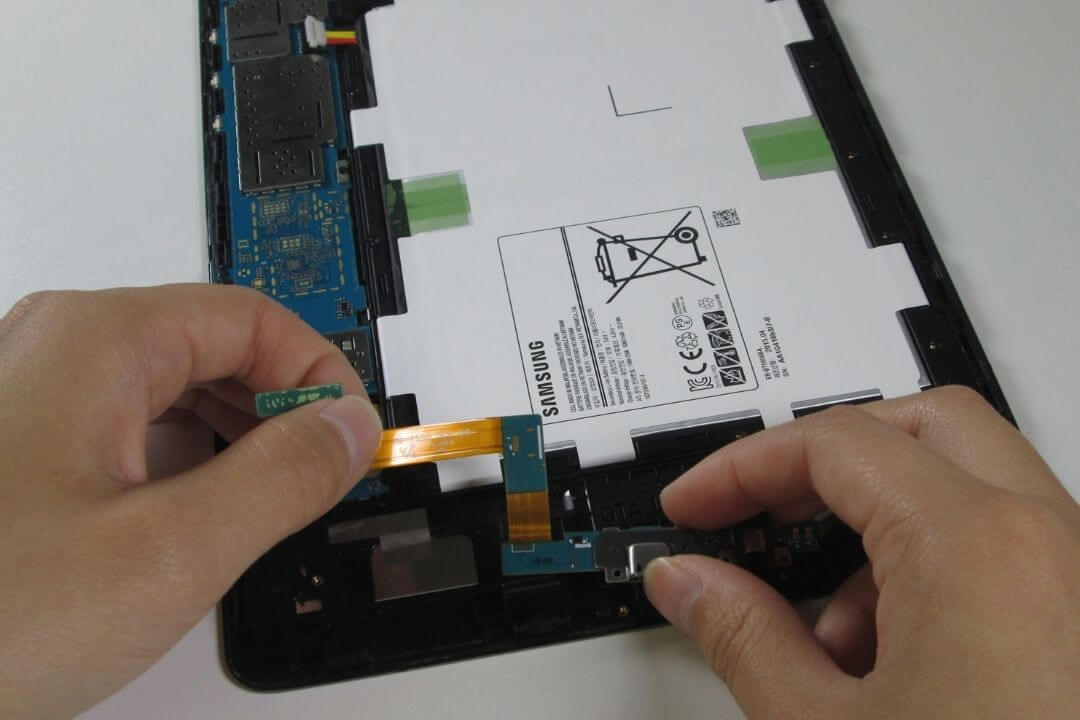
Before assuming the port itself has failed, we check for lint/debris buildup, test the cable and charger independently, and inspect the charging IC on the board. Tablets see heavier daily charging cycles than phones in many households and offices, which makes port wear a more common fault here than people expect.
Water Damage
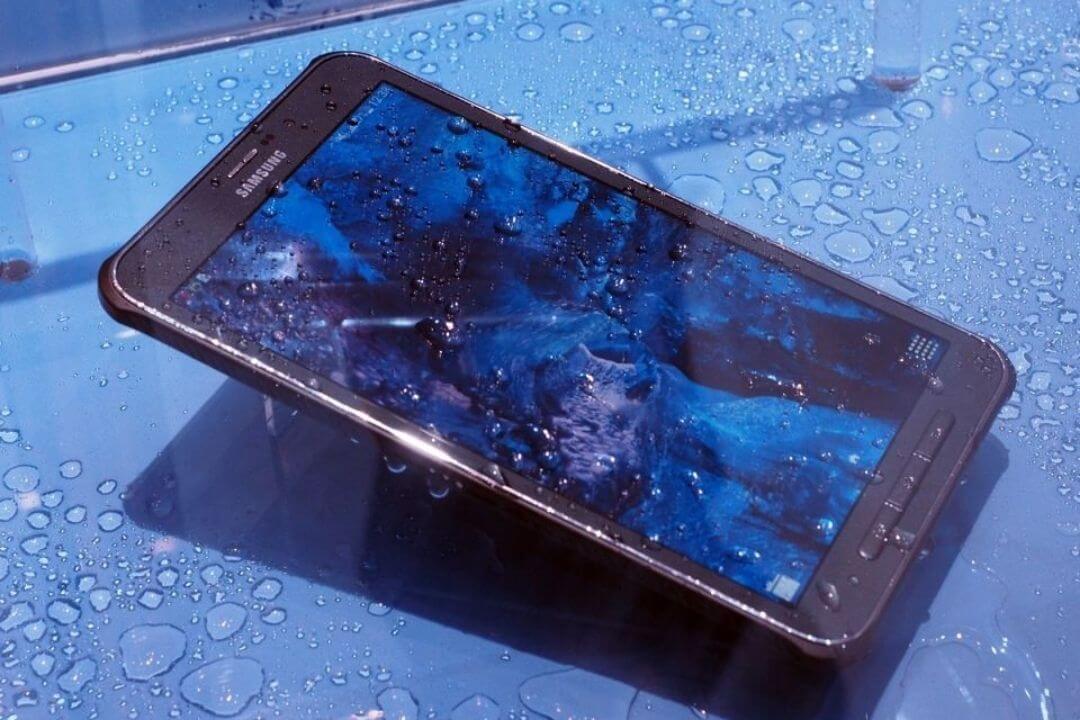
The same rule applies as with phones and laptops: the first hour matters most. Power off immediately, and get it to us before corrosion has time to spread along the board. We inspect, clean, and test each major component individually before calling a device recovered.
Software Freeze / Won't Boot
A tablet stuck on a boot logo or frozen mid-use isn't always a hardware fault — a failed OS update, corrupted storage partition, or a specific manufacturer skin (One UI, EMUI, MIUI, Windows) misbehaving can all present the same symptom. We diagnose which it is before recommending a board-level repair that a software fix would have solved just as well.

Our Repair Process
Get in touch
Call, WhatsApp, or use the estimate tool at the top of this page.
Choose your repair method
Walk-in, pickup, or on-site.
Diagnosis & transparent quote
Nothing starts until you approve the price.
Repair & testing
Completed with quality parts, then fully function-tested.
Handover with warranty
On both the part and the labor.
Brand-Specific Repair Notes
Different tablet brands fail in genuinely different ways, and treating them all identically is how generic repair shops get it wrong:
Samsung Galaxy Tab
AMOLED displays need careful handling during removal to avoid pressure marks on the new panel, and S-Pen digitizer layers add an extra calibration step after screen replacement that a standard glass swap doesn't require.
Microsoft Surface
The detachable keyboard connector and kickstand hinge are common failure points independent of the screen or battery — we check both during diagnosis even if the customer's complaint is unrelated, since hinge stress often causes secondary internal damage over time.
Huawei & Xiaomi Tablets
EMUI and MIUI software layers behave differently from stock Android during firmware recovery, and a generic Android repair approach can leave the device functional but with broken manufacturer-specific features (like Huawei's multi-screen collaboration tools) if the firmware isn't reflashed correctly.
Pricing Guide
Starting-from ranges. Exact quote confirmed after diagnosis.
Showing your brand.
| Brand | Screen | Battery | Charging Port |
|---|---|---|---|
| Samsung Galaxy Tab | AED [XXX]–[XXX] | AED [XXX]–[XXX] | AED [XXX]–[XXX] |
| Huawei MatePad | AED [XXX]–[XXX] | AED [XXX]–[XXX] | AED [XXX]–[XXX] |
| Lenovo Tab | AED [XXX]–[XXX] | AED [XXX]–[XXX] | AED [XXX]–[XXX] |
| Microsoft Surface | AED [XXX]–[XXX] | AED [XXX]–[XXX] | AED [XXX]–[XXX] |
| Xiaomi Pad | AED [XXX]–[XXX] | AED [XXX]–[XXX] | AED [XXX]–[XXX] |
| Amazon Fire | AED [XXX]–[XXX] | AED [XXX]–[XXX] | AED [XXX]–[XXX] |
Why Choose Jio Electronics
They are not just Technicans,
They are a family
Over 10 years of hands-on repair experience, close teamwork, and a genuine passion for getting it right is what makes Jio Electronics different. Get to know the team:
Water Damage -
Do's & Don'ts
Do
- Power off immediately
- Remove the case
- Pat dry gently
- Contact us fast
Don't
- Charge it
- Use a hair dryer
- Use rice
- Attempt to open it yourself
Before & After Repairs
Populate with real repair photos as jobs complete — stock placeholders shown for initial launch only.
Samsung Galaxy Tab S8 screen replacement — Al Rigga branch
Microsoft Surface water-damage recovery — Al Furjan branch
Lenovo Tab battery replacement — same-day turnaround

Jio Electronics vs. Manufacturer Service Center vs. Random Repair Shops
| Jio Electronics | Manufacturer Center | Random Repair Shop | |
|---|---|---|---|
| Turnaround time | Same-day (most repairs) | Days to weeks | Varies |
| Walk-in accepted | Yes | Appointment only | Usually |
| Free pickup & delivery | Yes | Rarely | Rarely |
| Warranty on repair | Yes, parts & labor | Yes | Often not stated |
| Pricing transparency | Full, before work starts | Full (higher cost) | Inconsistent |
| Multi-brand expertise | Yes, 7+ brands | Single brand only | Varies |
/ Review
/ Review
/ Review
/ Review
/ Review
/ Review
FAQs
Samsung Galaxy Tab, Huawei MatePad, Lenovo Tab, Microsoft Surface, Xiaomi Pad, Amazon Fire, and most other Android or Windows tablets.
Yes, for most common issues like screen, battery, and charging port repair.
Yes, free across Dubai.
Yes, on both parts and labor.
Depends on brand and model — use the estimate tool at the top of this page or message us on WhatsApp for an exact quote.
We use OEM-grade parts suited to each brand's display and performance standards, and explain your options before you decide.
Yes. Most repairs never touch your data. Where a reset is required, we tell you in advance.
Usually yes for common issues like screen or battery — we'll tell you honestly if a specific fault makes it not worth the cost.
Your files stay yours. We check hardware, not history.
Every device we service is handled under a confidentiality standard: technicians don't browse personal files, photos, or documents beyond what's required to test functionality. If a repair requires a factory reset, we tell you in advance so you can back up first or we can back up your data for you before work begins, on request.
Your repair comes
to you wherever you are.
No queues, no store visits. We send a certified technician straight to your door across Dubai & Sharjah — available daily 10AM–10PM, 365 days a year.
/ Corporate & Bulk Repair
Long term Partnerships
for Corporates
We work with businesses of every size, from a single office needing occasional device support to companies managing hundreds of tablets, phones, and laptops across teams. Whether it's a one-off repair or an ongoing service contract, we build relationships built on reliability and fast turnaround